
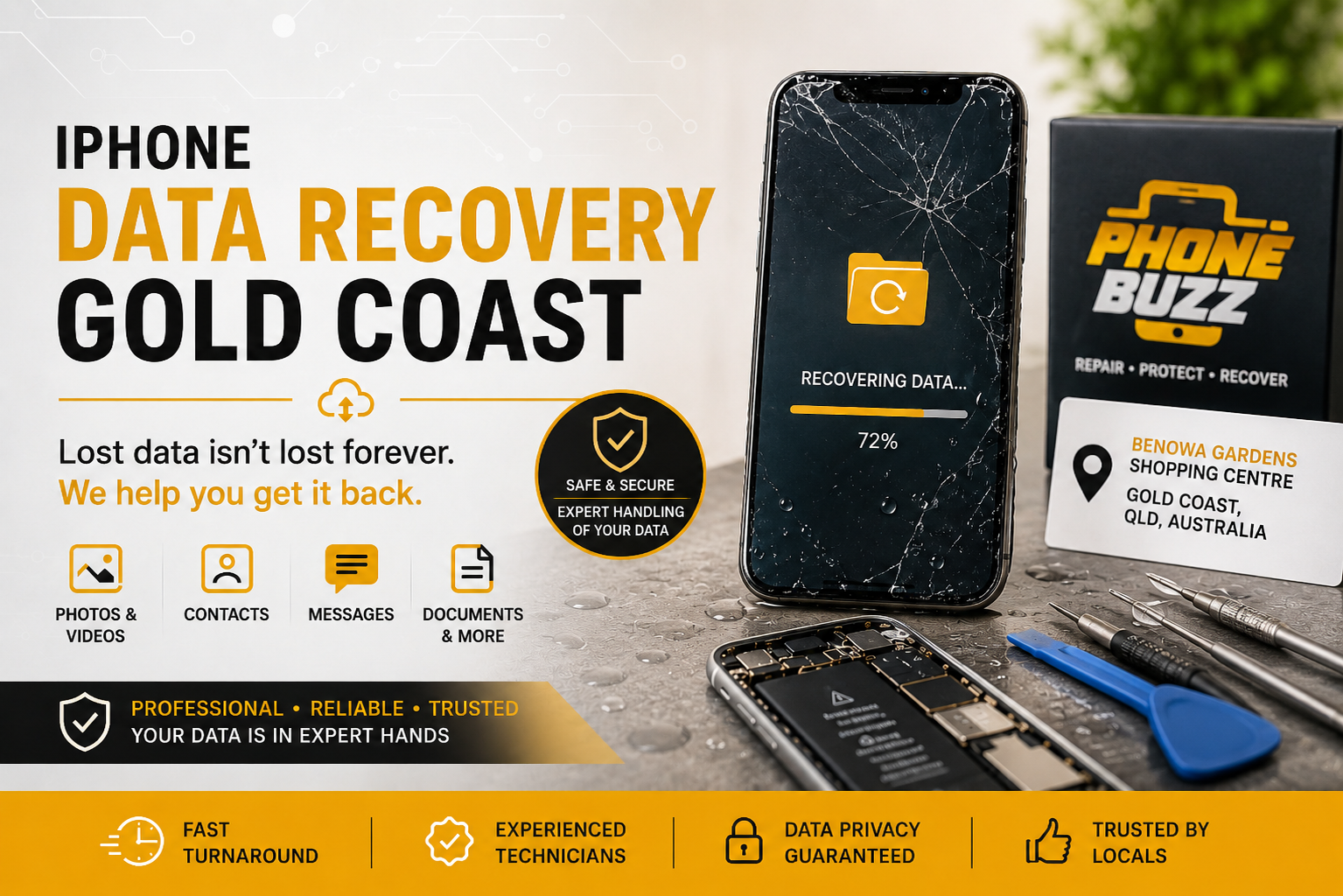
An iPhone can be replaced. The photos, contacts, messages, work files, notes and memories stored inside it may not be.
Whether your iPhone has suddenly stopped turning on, suffered water damage, developed a broken screen or become stuck during an iOS update, losing access to important information can quickly become a serious problem. In situations like these, choosing the right approach to iPhone data recovery Gold Coast can make a major difference.
The first priority should not always be getting the phone working perfectly again. If irreplaceable information is stored on the device, protecting that data should come first.
Professional diagnosis can help determine whether the issue is related to the display, battery, charging system, software or internal hardware. In many situations, repairing the fault that prevents the iPhone from starting normally can restore access to the information stored on it.
Phone Buzz provides mobile phone repair services from Benowa Gardens Shopping Centre on the Gold Coast, including hardware and software troubleshooting for smartphones.
When Might You Need iPhone Data Recovery?
There is no single reason why people lose access to their iPhones. Sometimes a device fails suddenly. In other cases, physical damage gradually causes problems until the phone will no longer start.
Common situations that may lead someone to search for iPhone data recovery Gold Coast include:
1. iPhone Will Not Turn On
A phone that appears completely dead does not automatically mean the data has disappeared.
The issue could involve the battery, charging port, display, power circuitry or another component preventing the iPhone from booting correctly. Diagnosing the actual fault is important before assuming the information stored on the device is permanently lost.
2. Broken or Unresponsive Screen
Sometimes the iPhone itself is functioning, but a damaged display makes the data inaccessible.
You may still hear notifications, feel vibrations or receive calls even though nothing appears on the screen. A screen repair may restore normal access to the phone without requiring traditional data recovery.
This is one reason professional phone repair Gold Coast services can play an important role in data recovery.
3. Water or Liquid Damage
Liquid damage can affect multiple components inside an iPhone.
Problems may appear immediately or develop over time as corrosion affects connectors and electronic components. Continuing to charge or repeatedly power on a wet device can potentially make the situation worse.
If the information on the phone is important, avoid unnecessary attempts to restart it and have the device assessed.
4. iPhone Stuck on the Apple Logo
An iPhone stuck on the Apple logo or trapped in a restart loop may be experiencing a software or hardware problem.
Depending on the cause, it may be possible to resolve the problem without erasing the device. However, some software restoration processes can delete existing information, so data requirements should be considered before performing a full restore.
5. Failed iOS Update
Software updates usually complete without problems, but interruptions, insufficient storage or underlying hardware issues can occasionally prevent an iPhone from starting normally afterward.
If there is no current backup, avoid immediately selecting options that erase or restore the device before understanding what effect they may have on your data.
6. Accidental Data Deletion
Photos, messages, contacts, notes and files are sometimes deleted accidentally.
Before seeking advanced recovery, check locations such as Recently Deleted folders and any available iCloud or computer backups.
If no backup exists, recovery becomes more complicated because modern iPhones use strong encryption and storage management technologies.
What Should You Do Immediately After Losing Access to Your iPhone?
What happens immediately after a device failure can affect your options.
Stop Repeatedly Restarting a Damaged Phone
If the iPhone has suffered physical or liquid damage, repeatedly attempting to turn it on may not help.
The safer approach is to have the fault diagnosed, particularly when valuable information is stored on the device.
Do Not Factory Reset the Device
A factory reset is designed to erase the iPhone.
If your priority is recovering information, do not erase the device unless you already have a verified backup or fully understand the consequences.
Check Your iCloud Account
Your information may already be synchronised or backed up.
Check whether photos, contacts, notes, calendars and other information are available through your Apple account or another connected device.
An iCloud backup can significantly reduce the consequences of losing access to the physical iPhone.
Check Computer Backups
If the iPhone has previously been backed up to a Mac or Windows computer, an existing backup may contain much of the information you need.
Confirm what is available before attempting more invasive recovery procedures.
Avoid Unverified Recovery Software
Searching online for data recovery tools produces hundreds of applications promising quick results.
Be cautious.
Modern iPhones use sophisticated encryption, and software cannot simply extract every deleted file from every device. Installing random recovery applications can waste time and may expose personal information to unnecessary privacy risks.
How Professional iPhone Data Recovery Works
Professional iPhone data recovery Gold Coast does not mean pressing a single button and instantly retrieving every deleted file.
The correct recovery strategy depends on why the information is inaccessible.
The process normally begins with diagnosis.
A technician needs to determine whether the device is suffering from:
Screen failure
Battery failure
Charging problems
Software errors
Water damage
Internal component failure
Logic board problems
Storage-related faults
If the underlying fault can be repaired sufficiently for the original iPhone to boot and unlock normally, the owner may regain access to the stored information.
This distinction matters because the goal of a data-focused repair may be different from a conventional repair.
Sometimes restoring the original device to a working state is the most practical pathway to accessing its information.
Why the Original iPhone Hardware Matters
Modern iPhones are specifically designed to protect user information.
Encryption links sensitive information to security hardware within the device. This protection is valuable if an iPhone is stolen, but it also makes professional recovery from severely damaged hardware more complicated.
Simply removing a storage component and reading it like a conventional USB drive generally does not bypass the iPhone’s security architecture.
For difficult cases, the objective may therefore be to repair enough of the original hardware to allow the phone to boot, accept the correct passcode and decrypt its own information.
This is also why no reputable repair provider should guarantee successful recovery in every case.
The outcome depends on the condition of the device and the type of damage involved.
Can Data Be Recovered From a Water-Damaged iPhone?
Sometimes, but the answer depends entirely on the level of damage.
Liquid exposure can affect the battery, screen, charging system, connectors and internal electronics. Minor damage may be repairable, while severe corrosion or damage to critical components can make recovery significantly more difficult.
If your iPhone has been exposed to liquid:
Disconnect it from power.
Avoid repeatedly trying to switch it on.
Do not continue charging it to test whether it works.
Arrange a professional assessment.
Tell the technician that recovering the data is your priority.
The earlier the device is properly assessed, the clearer your available options become.
Can Data Be Recovered From an iPhone With a Broken Screen?
In many cases, a damaged screen is considerably less serious than internal storage failure.
If the iPhone still starts normally but the screen is black, cracked or unable to recognise touch input, repairing or temporarily restoring display functionality may provide access to the data again.
Phone Buzz lists screen replacement and repair among its Gold Coast mobile repair services.
If the information inside the device is particularly important, tell the technician before the repair begins so that data preservation remains part of the repair strategy.
Can Permanently Deleted iPhone Data Always Be Recovered?
No.
This is one of the biggest misconceptions surrounding smartphone data recovery.
Modern iPhones use encryption and sophisticated storage management. Once information has been permanently deleted and is no longer available through Recently Deleted, cloud synchronisation or a backup, recovering it directly from the phone may be difficult or impossible.
Be cautious of services or software promising guaranteed recovery of permanently deleted information.
A professional assessment should establish what is realistically possible rather than promise an outcome before the device has been examined.
Data Recovery and Phone Repair Often Overlap
Data recovery and device repair are often treated as separate services, but there is considerable overlap.
Imagine an iPhone that does not turn on because of a battery problem. Replacing or temporarily resolving the battery issue may allow the phone to boot, meaning the data was never actually lost.
The same can apply to:
Failed displays
Charging faults
Damaged connectors
Software problems
Camera or peripheral faults interfering with startup
Internal hardware issues
This is why choosing an experienced provider for phone repair Gold Coast can be an important first step when an apparently dead iPhone contains valuable information.
Phone Buzz provides repairs for mobile devices alongside services involving batteries, charging ports, cameras, speakers, screens and software troubleshooting.
What Affects the Chances of iPhone Data Recovery?
Every case is different.
Several factors can influence whether information can be accessed.
Type of Damage
A broken display is very different from severe logic board or storage damage.
The less damage affecting critical internal components, the better the situation may be.
Previous Repair Attempts
Poor-quality repair attempts can complicate later recovery.
If important information is stored on the device, avoid unnecessary experimentation or repeated disassembly by inexperienced repairers.
Liquid Exposure
The type of liquid, duration of exposure and amount of internal corrosion can all affect repairability.
Availability of Backups
Recovery may be simple if the required information already exists in iCloud or on a computer.
Before assuming the information only exists on the damaged phone, check all available backups.
Device Security
A technician cannot legitimately bypass a forgotten iPhone passcode simply because the phone belongs to someone claiming ownership.
Apple’s security architecture is deliberately designed to protect the owner’s private information.
Knowing the correct passcode can therefore be essential in many recovery situations.
Protecting Your Privacy During iPhone Data Recovery
Your iPhone may contain highly sensitive information including personal photographs, business documents, passwords, financial information and private conversations.
Privacy should therefore be an important consideration when selecting any recovery or phone repair Gold Coast provider.
Before handing over the device, explain exactly what outcome you need.
If you only need the iPhone repaired sufficiently to create a backup yourself, tell the technician. There may be no need for anyone else to access your personal files.
You should also maintain strong account security and avoid sharing passwords that are not technically required for the repair process.
How to Reduce the Risk of Losing iPhone Data Again
The strongest data recovery strategy is prevention.
Once your current problem has been resolved, establish a reliable backup routine.
Enable iCloud Backup
Automatic iCloud backups can protect important device information without requiring manual backups every day.
Check occasionally that backups are completing successfully rather than simply assuming they are active.
Sync Important Photos
If photographs are particularly important, make sure they are synchronised to a trusted cloud service or copied to another storage location.
Keep a Computer Backup
For important business or personal devices, maintaining an additional encrypted computer backup can provide another recovery option.
Avoid Running the iPhone Permanently at Full Storage
Extremely limited free space can create performance and update problems.
Periodically review large videos, downloaded files and unused applications.
Deal With Hardware Problems Early
An unreliable charging port, swollen or failing battery, intermittent screen or unexplained shutdown should not be ignored indefinitely.
Early phone repair Gold Coast services may prevent a relatively manageable problem from becoming a device failure that threatens access to your information.
When Should You Seek Professional Help?
Consider professional assessment when:
Your iPhone will not power on.
The phone has significant liquid damage.
The display is completely unusable.
The device continuously restarts.
The iPhone is stuck on the Apple logo.
Important information is stored only on the device.
You do not have a usable backup.
You are concerned that restoring the phone may erase existing data.
The main principle is simple.
If the data matters, do not treat the device as disposable until the recovery options have been properly assessed.
iPhone Data Recovery Gold Coast With Phone Buzz
For Gold Coast users dealing with an iPhone they cannot access, professional diagnosis can help identify whether the problem involves the display, battery, charging system, software or internal hardware.
Phone Buzz operates from Benowa Gardens Shopping Centre in Benowa and provides mobile repair services for customers across the Gold Coast area.
Rather than immediately assuming valuable information has disappeared, start by identifying why the device has stopped working.
A damaged screen may need a display repair. A phone that does not charge may have a battery or charging issue. A device stuck during startup may require software or hardware diagnosis.
The right repair strategy depends on the fault.
If protecting photos, contacts, messages, documents or other important information is your main concern, make that clear before any repair or restoration begins.
For iPhone data recovery Gold Coast, the objective should always be to understand the fault, protect the existing information where possible and determine the safest route toward regaining access.
Frequently Asked Questions About iPhone Data Recovery Gold Coast
1. Can data be recovered from an iPhone that will not turn on?
Potentially. A phone may fail to turn on because of a screen, battery, charging or internal hardware problem while its stored information remains intact. The device needs to be diagnosed before the likelihood of recovery can be determined.
2. Can photos be recovered from a broken iPhone?
If the photos are stored in iCloud or another backup, they may already be recoverable without repairing the device. If they exist only on the iPhone, the device may need to be repaired sufficiently to restore access. The outcome depends on the type and severity of damage.
3. Should I factory reset my iPhone before data recovery?
Generally, no. If recovering existing information is the objective, a factory reset can erase the data you are trying to protect. Check your backups and seek advice before performing an erase or restore.
4. Does Phone Buzz provide phone repair on the Gold Coast?
Phone Buzz provides mobile phone repair services from Benowa Gardens Shopping Centre, including screen repairs, batteries, charging ports, speakers, cameras and software troubleshooting.
5. Is iPhone data recovery guaranteed?
No responsible provider can guarantee recovery in every case. Success depends on the device condition, the cause of failure, damage to critical components, encryption and whether backups exist. A proper diagnosis is required to determine the available options.
Need Help With an iPhone You Cannot Access?
If your iPhone contains important information and has stopped working, avoid unnecessary resets, repeated restart attempts or unverified recovery software.
Start with a professional diagnosis.
Phone Buzz is located at Benowa Gardens Shopping Centre, Corner Ashmore and Benowa Road, Benowa QLD 4217, providing mobile device repair services on the Gold Coast.
Whether the issue involves a broken display, charging problem, battery failure, software fault or another hardware problem, determining the cause is the first step toward understanding whether your data can be accessed again.
For iPhone data recovery Gold Coast and professional phone repair Gold Coast, contact Phone Buzz to discuss the condition of your device and the information you need to protect.