
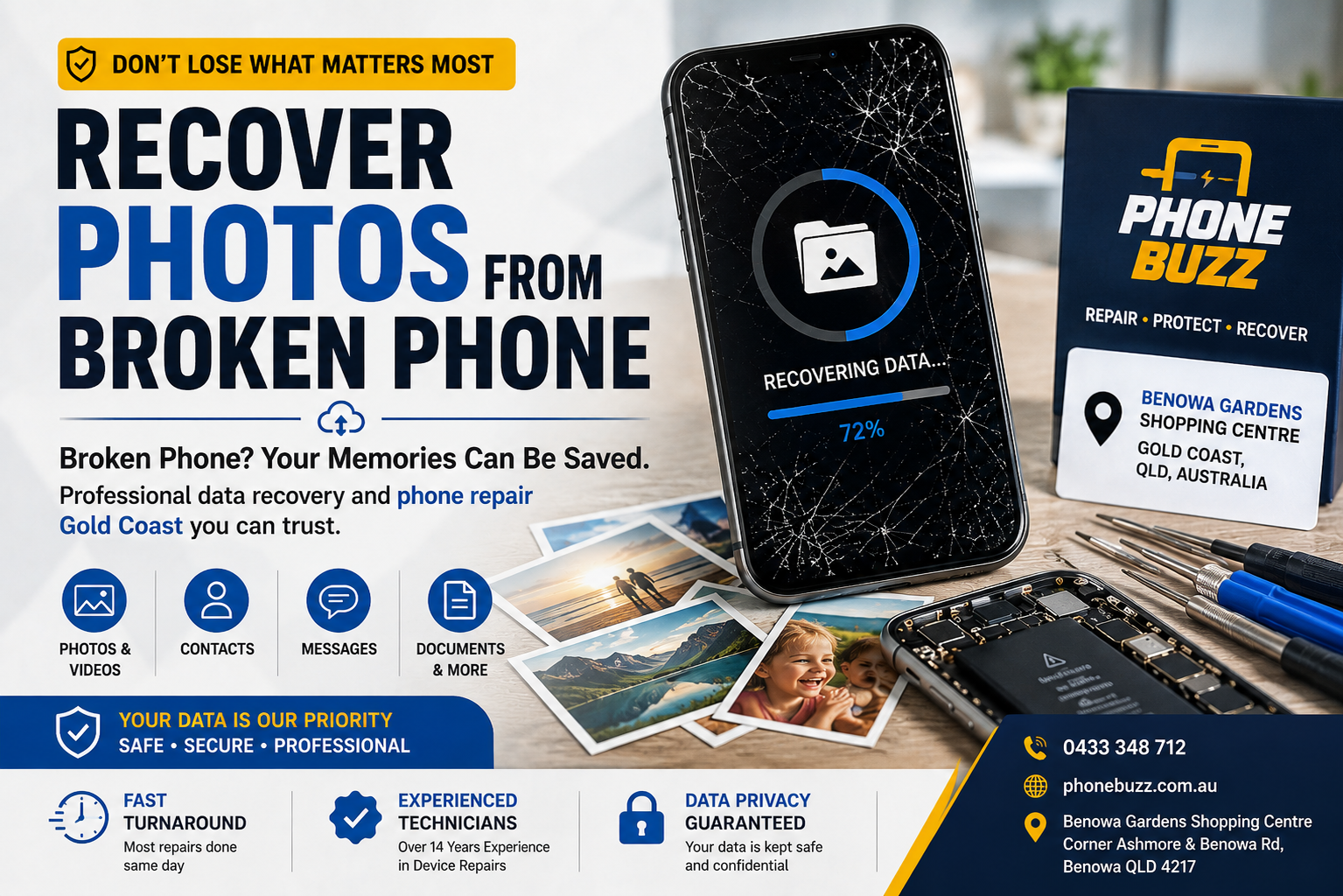
A broken phone does not necessarily mean your photos are gone.
For many people, the phone itself can be replaced. The photos stored on it cannot.
Family photographs, travel memories, videos, work documents, contacts and other personal files can have far more value than the device itself. This is why knowing what to do when a phone stops working can make a significant difference.
If you are trying to recover photos from a broken phone, the first step is not necessarily buying a replacement phone or immediately performing a factory reset. The right approach depends on what happened to the device and whether your data is already available through a backup or cloud account.
A broken screen, damaged charging port or faulty battery may prevent you from accessing the phone even though the underlying storage is still functioning.
On the other hand, serious internal or liquid damage can make recovery more complicated.
Phone Buzz provides professional mobile phone repair services from Benowa Gardens Shopping Centre on the Gold Coast, covering screen repairs, batteries, charging ports, cameras, speakers and software troubleshooting. The business has more than 14 years of repair experience and reports more than 10,000 completed repairs.
This guide explains what you should do if your phone is damaged and your priority is getting your photos back.
Can You Recover Photos from a Broken Phone?
In many situations, yes.
However, there is no universal recovery method that works for every broken phone.
The first question is:
What exactly is preventing you from accessing the phone?
For example, the phone might:
- Have a completely broken screen
- Turn on but display nothing
- Have a dead battery
- Refuse to charge
- Have water or liquid damage
- Be stuck on the startup logo
- Restart continuously
- Have suffered internal hardware damage
- Have accidentally deleted photographs
- Have no obvious physical damage but suddenly stopped working
These situations require different approaches.
A broken screen does not automatically mean that the photos stored inside the phone have disappeared. If the phone is still functioning internally, restoring access to the display or another essential component may allow you to access the device and recover your files.
This is why a proper diagnosis should happen before assuming that your photographs are permanently lost.
What to Do First When Your Phone Breaks
If the photographs are important, avoid taking unnecessary actions.
Your immediate priority should be data preservation.
Don’t Factory Reset the Phone
A factory reset is designed to erase the device.
If your goal is to recover photos from a broken phone, resetting it before checking your backup options or speaking with a professional can be counterproductive.
If you already have a verified backup, the situation may be much easier. But if the photos exist only on the damaged device, don’t erase it simply because it isn’t working correctly.
Don’t Keep Restarting a Damaged Phone
If the device has suffered physical or liquid damage, repeatedly trying to turn it on may not solve the underlying problem.
This is particularly relevant after water exposure.
Instead of repeatedly charging or restarting the device, have the problem assessed.
Don’t Install Random Recovery Software
A quick online search will produce many programs claiming that they can recover deleted photographs from virtually any phone.
Be careful.
Modern smartphones use sophisticated security and storage systems. Recovery software cannot simply guarantee access to every deleted or inaccessible file.
Installing unknown software can also introduce unnecessary privacy concerns when dealing with personal photographs, messages and documents.
If the data is valuable, start by identifying the actual problem with the phone.
Check Your Cloud Backup Before Repairing the Phone
Before attempting more complicated recovery, check whether your photos already exist somewhere else.
Depending on the device and your settings, photographs may have been synchronised with a cloud service.
Check:
- Your Apple account and Photos
- Google Photos
- Cloud storage services
- Previous computer backups
- Another phone or tablet connected to the same account
This is one of the simplest ways to recover photographs because you may not need to recover anything from the broken device itself.
The phone could be damaged while your photographs remain safely available online.
Check Your Computer for an Existing Backup
If you have previously connected the phone to a computer, you may have an existing backup.
Look through your normal backup system before attempting more invasive recovery.
This can be especially useful when:
- The phone won’t turn on
- The screen is broken
- The phone is stuck during startup
- The device has suffered physical damage
A backup can sometimes provide access to the information you need without requiring the damaged phone to be fully functional.
Recover Photos from Broken Phone With a Damaged Screen
A broken display is one of the more common situations where people assume their data has been lost.
That assumption is often incorrect.
Your phone may still be functioning internally even when:
- The screen is cracked
- The display is completely black
- Touch doesn’t work
- Only part of the screen works
- The phone still vibrates
- Notifications still arrive
- Calls still come through
If the internal system is still functioning, the problem may be primarily related to the display.
In such cases, repairing the screen may restore access to the phone and therefore the photographs.
Phone Buzz specifically offers screen replacement and repair as part of its Gold Coast mobile repair services. The company states that some screen replacements can take approximately 30 minutes, although the actual time depends on the device and repair required.
If your priority is your photographs rather than simply replacing the screen, tell the technician that data preservation is important before the repair begins.
Recover Photos from a Phone That Will Not Turn On
A phone that appears completely dead does not automatically mean that the stored photographs are gone.
There are several possible causes.
The issue could involve:
Battery Failure
A failed battery can prevent the phone from powering on.
Charging Port Problems
The phone may not be receiving power correctly.
Display Failure
The device may actually be running while the screen remains blank.
Software Problems
An operating system issue can prevent normal startup.
Internal Hardware Damage
More serious component failure can prevent the device from booting.
This is where professional diagnosis becomes important.
Rather than immediately assuming the storage has failed, the technician can determine what is preventing the phone from functioning.
The appropriate solution may be a conventional repair rather than a dedicated data-recovery procedure.
What If Your Phone Has Water Damage?
Liquid damage requires additional caution.
If your phone has been dropped into water or exposed to another liquid, avoid repeatedly testing whether it still works.
Do not keep connecting it to a charger simply to see if it powers on.
Liquid can affect:
- Battery
- Charging components
- Connectors
- Display
- Internal electronics
- Logic board components
Corrosion can also develop over time.
If important photographs are stored on the device, explain this when taking the phone for assessment.
The goal should be to understand the extent of the damage and determine what can realistically be done without unnecessarily putting the stored information at risk.
Can a Broken Charging Port Cause You to Lose Your Photos?
Not necessarily.
A charging problem can make a phone appear completely unusable when the underlying storage remains intact.
For example, if the battery is depleted and the charging port has failed, the phone may not power on.
In this situation, the photographs could still be stored safely inside the device.
The issue is simply that you cannot power the phone sufficiently to access them.
This is another situation where phone repair Gold Coast services can overlap with data recovery.
Phone Buzz lists charging-port repair among its mobile device services.
What If the Phone Is Stuck on the Apple Logo?
An iPhone stuck on the Apple logo can indicate either a software or hardware problem.
The temptation is to immediately restore the phone.
That may not always be the best first step if the photographs are important.
Before performing a restore or erase, determine whether the device has a current backup.
A professional diagnosis can help establish whether the startup problem can potentially be resolved without unnecessarily erasing the phone.
The same principle applies to repeated restart loops.
If your data matters, don’t treat a reset as the first solution.
What If Photos Were Accidentally Deleted?
A broken phone isn’t the only reason people search for ways to recover their photographs.
Sometimes the device works perfectly, but important images have been deleted accidentally.
Before considering advanced recovery, check:
- Recently Deleted
- Cloud photo storage
- Computer backups
- Other synchronised devices
The sooner you notice the deletion, the more options you may have.
However, permanently deleted information is not always recoverable.
Modern smartphones use encryption and sophisticated storage management, so no legitimate repair provider should guarantee that every permanently deleted photograph can be recovered.
Why Modern Phone Data Recovery Can Be Complicated
Modern smartphones are designed with strong security protections.
This is beneficial because it protects personal information if a device is lost or stolen.
However, that same security can make professional data recovery more complicated when hardware is severely damaged.
A phone’s storage cannot necessarily be treated like a conventional removable storage drive.
In some cases, the objective is therefore not to “extract” the photographs directly.
Instead, the goal may be to restore enough of the original device’s functionality for the phone to boot and allow the owner to access the data normally.
This distinction is important.
Repairing the phone can sometimes be the pathway to recovering the photos.
When Phone Repair Becomes Data Recovery
Consider a phone with a broken display.
If the internal system is working, replacing the screen may allow the owner to unlock the device and back up the photographs.
Now consider a phone with a charging problem.
If repairing the charging system allows the phone to power on, the data may never have been lost.
This is why searching specifically for phone repair Gold Coast can be useful when your main concern is recovering information from a damaged phone.
Phone Buzz offers a range of repair services including screens, batteries, charging ports, speakers, cameras and software troubleshooting.
What Determines Whether Your Photos Can Be Recovered?
Every device is different.
Several factors influence the outcome.
Type of Damage
A broken screen is very different from severe logic-board damage.
Severity of Damage
Minor hardware problems may be easier to resolve than extensive internal damage.
Liquid Exposure
Water and other liquids can cause corrosion and damage to critical components.
Previous Repair Attempts
Poor-quality repairs or unnecessary disassembly can complicate later work.
Available Backups
A current cloud or computer backup can make recovery considerably easier.
Device Security
You may need the correct passcode to access encrypted information on the device.
Condition of the Storage
If critical storage-related hardware has been severely damaged, recovery may become significantly more difficult.
Because of these variables, a professional should assess the actual device before promising a particular outcome.
Why You Should Tell the Technician About Your Data
When you take a broken phone for repair, don’t simply say:
“The screen is broken.”
If your photographs are the primary concern, explain that.
For example:
“The photos stored on this phone are important. Please prioritise preserving the data.”
This gives the technician additional context when deciding how to approach the repair.
A conventional repair may focus primarily on restoring full device functionality.
A data-focused repair may place greater emphasis on preserving the existing information during diagnosis and repair.
Protecting Your Photos in the Future
The best way to avoid a difficult recovery situation is to maintain reliable backups.
Use Automatic Cloud Backup
Enable the appropriate backup or photo synchronisation service for your device.
Don’t simply assume that it is working.
Check occasionally.
Maintain a Second Backup
For particularly important photographs, consider keeping another copy on a computer or external storage system.
Keep Important Photos Organised
Don’t leave irreplaceable photographs scattered across multiple devices without a backup strategy.
Address Hardware Problems Early
If your phone starts:
- Restarting unexpectedly
- Failing to charge
- Showing display problems
- Losing battery capacity rapidly
- Overheating
- Showing other unexplained faults
don’t necessarily wait until it stops working completely.
Early phone repair Gold Coast support may prevent a manageable hardware problem from becoming a larger device failure.
Why Choose Professional Phone Repair Gold Coast Services?
When valuable photographs are involved, experience matters.
Phone Buzz states that it has more than 14 years of experience in device repairs and has completed more than 10,000 repairs. Its services cover multiple phone brands including Apple, Samsung, OnePlus, Xiaomi, Oppo, Vivo, Motorola and others.
The business also highlights certified technicians, same-day repair options and a one-year warranty on its premium-quality spare parts.
For a customer trying to recover important photographs, the key consideration should be whether the repair provider can properly diagnose the problem and recommend an appropriate path forward.
A repair should not be approached as a generic “replace the broken part” job when the data inside the device is the priority.
Phone Buzz for Phone Repair Gold Coast
Phone Buzz operates from Benowa Gardens Shopping Centre, Corner Ashmore and Benowa Road, Benowa QLD 4217, serving customers in the Gold Coast area.
The business provides mobile phone repairs alongside tablet, laptop and other device services. Its listed mobile services include screen replacement, battery replacement, speaker repair, camera repair, charging-port repair and software troubleshooting.
For someone looking to recover photos from a broken phone, the first step is to identify what has actually failed.
A broken display may require a screen repair.
A phone that won’t charge may have a battery or charging-port issue.
A phone stuck during startup may require software or hardware diagnosis.
Water damage may require a completely different approach.
The important point is that a damaged phone does not automatically mean that your photographs are gone.
Final Thoughts
If you need to recover photos from a broken phone, don’t immediately assume that the data has disappeared.
First, check your cloud accounts and existing backups.
Then consider what is actually wrong with the device.
If the phone still contains important information and has suffered physical or liquid damage, avoid unnecessary resets, repeated restart attempts and unverified recovery software.
A professional diagnosis can establish whether the problem is related to the screen, battery, charging system, software or internal hardware.
In many cases, restoring the phone’s functionality may be enough to regain access to the photographs.
For customers looking for phone repair Gold Coast, Phone Buzz provides professional mobile repair services from its Benowa location, with more than 14 years of repair experience and a broad range of device repair services.
When the photographs matter, the priority should be simple:
Protect the data first. Diagnose the problem. Then choose the safest repair path.
Frequently Asked Questions
Can I recover photos from a phone with a broken screen?
Potentially, yes. If the phone’s internal components and storage are still functioning, repairing the display may restore access to the device and its photographs.
Can I recover photos from a phone that won’t turn on?
It depends on why the phone won’t turn on. A failed battery, charging system or display may be repairable, while severe internal damage can make recovery more difficult.
Should I factory reset my broken phone?
If recovering your existing data is the priority, avoid a factory reset unless you have a verified backup and understand the consequences.
Can water-damaged phones be recovered?
Sometimes. The outcome depends on the severity and location of the liquid damage. If important data is stored on the device, avoid repeatedly powering or charging it and seek professional assessment.
Does Phone Buzz provide phone repair on the Gold Coast?
Yes. Phone Buzz provides mobile phone repair services from Benowa Gardens Shopping Centre, including screen, battery, charging port, camera, speaker and software-related repairs.
Can permanently deleted photos always be recovered?
No. Permanently deleted data may be difficult or impossible to recover, particularly on modern encrypted smartphones. Existing cloud or computer backups should always be checked first.
Where is Phone Buzz located?
Phone Buzz is located at Benowa Gardens Shopping Centre, Corner Ashmore and Benowa Road, Benowa QLD 4217, Australia.
Phone Buzz:
Phone: +61 433 348 712
Location: Benowa Gardens Shopping Centre, Benowa QLD 4217, Australia