
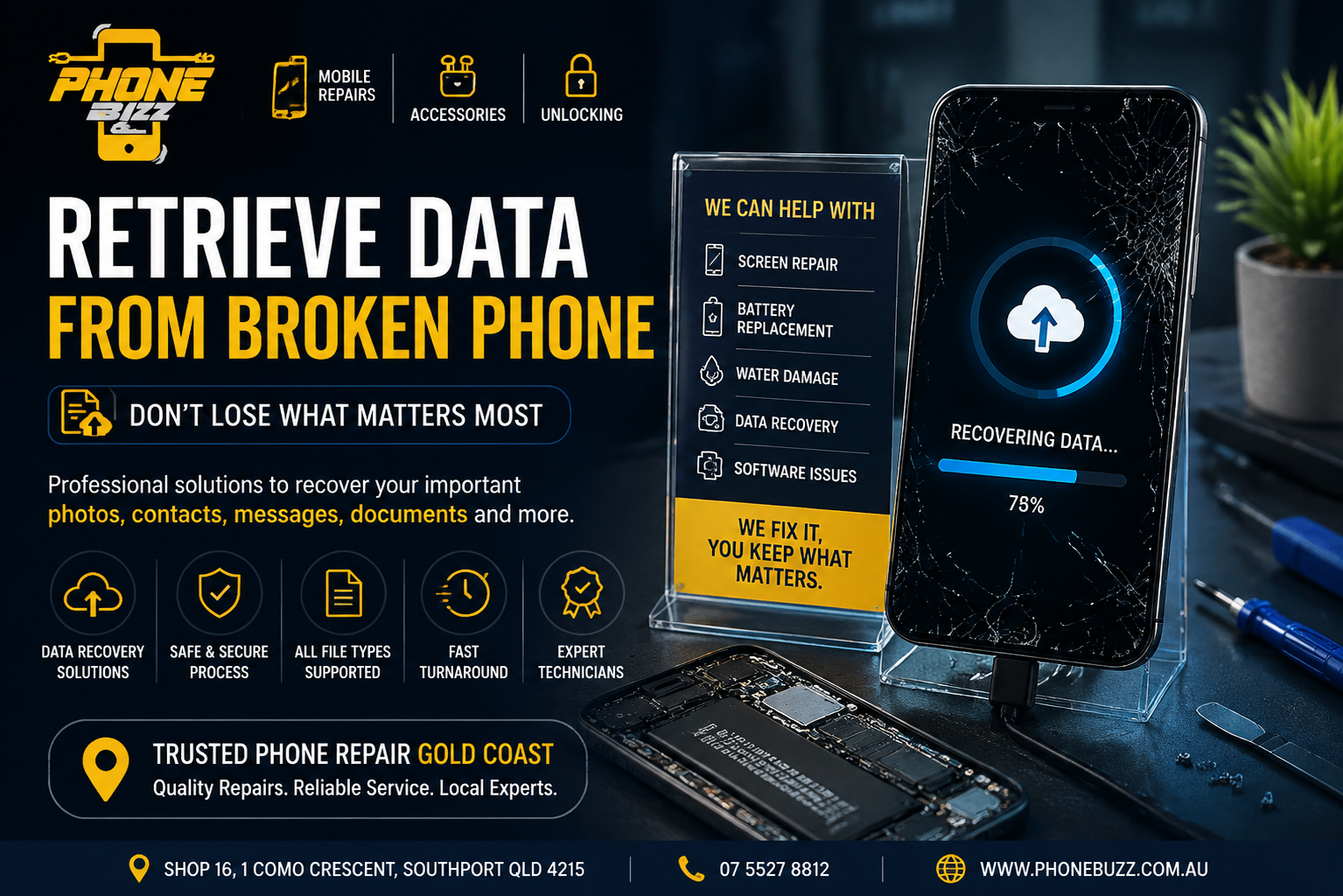
A broken phone can be stressful, especially when the device contains years of personal memories, important contacts, work documents, and valuable information. A damaged screen, water damage, charging issue, or complete device failure can make accessing your files seem impossible.
However, a broken phone does not always mean your data is gone.
In many situations, it is possible to retrieve data from broken phone with the right approach and professional assistance. Before replacing your device or attempting risky solutions, understanding the recovery options can help protect your valuable information.
At Phone Buzz, we help customers with professional mobile repair solutions across Gold Coast, including hardware repairs, software troubleshooting, and device recovery support.
This guide explains how data recovery works, what steps you can try, when professional help is needed, and how choosing the right phone repair Gold Coast service can improve your chances of recovering important files.
Can You Retrieve Data From Broken Phone?
Yes, in many cases you can retrieve data from broken phone.
The possibility of recovery depends on the type of damage your phone has experienced.
A phone may appear completely unusable because the screen is damaged or the device cannot turn on, but the internal storage where your photos, videos, contacts, and documents are stored may still be functioning.
Common situations where data recovery may be possible include:
- Cracked or damaged screens
- Touchscreen not responding
- Phone not turning on
- Water damage
- Charging port failure
- Software crashes
- Boot loop issues
- Damaged buttons
- Accidental drops
The first step is identifying whether the problem is related to the phone’s display, battery, software, or internal components.
Sometimes the phone itself requires repair before the data can be accessed.
Common Reasons People Lose Access to Phone Data
Modern smartphones store a large amount of personal information. Losing access can affect both personal and professional life.
Some common causes include:
1. Physical Damage
A dropped phone can damage the screen, motherboard, charging system, or internal connections.
In many cases, the storage remains intact even when the phone cannot be used normally.
2. Water Damage
Liquid exposure can affect internal circuits and prevent the phone from powering on.
The longer a water-damaged phone remains untreated, the higher the risk of further component damage.
3. Broken Screen
A phone may still be working internally while the display is completely damaged.
You may hear notifications, receive calls, or feel vibrations, but accessing the device becomes difficult.
4. Software Problems
Sometimes the hardware is fine, but operating system errors prevent normal access.
Examples include:
- Frozen screens
- Restart loops
- Failed updates
- Application crashes
5. Battery or Charging Problems
A faulty battery or charging port can make a phone appear dead even when the internal data remains safe.
Steps to Try Before Professional Data Recovery
Before visiting a repair specialist, there are a few safe methods you can try.
Check Cloud Backups
Many phones automatically back up important information.
Depending on your device settings, your data may already exist on:
- iCloud
- Google Drive
- Google Photos
- Samsung Cloud
- Other backup services
Check whether your photos, contacts, and documents are available through your account.
Connect Your Phone to a Computer
If your phone still powers on, connecting it to a computer may allow you to access files.
However, many smartphones require you to unlock the device and approve access before transferring data.
A broken screen can make this difficult.
Try External Accessories
If the screen works but touch functionality is damaged, certain adapters or external devices may help access the phone.
However, avoid forcing connections or using unreliable tools that could create additional problems.
Why Professional Help Is Better for Broken Phone Data Recovery
When a phone has serious damage, attempting random fixes can make recovery harder.
Professional technicians understand how different failures affect data access.
A proper assessment can determine:
- Whether the storage is still accessible
- Whether repair is needed first
- Whether the issue is hardware or software related
- The safest recovery method
A professional phone repair Gold Coast technician can inspect the device and recommend the right solution without unnecessary replacement costs.
Can Data Be Recovered From a Phone With a Broken Screen?
A broken screen is one of the most common reasons people search for ways to retrieve data from broken phone.
The good news is that screen damage does not always mean data loss.
If the phone is still functioning internally, repairing or temporarily restoring access to the display may allow files to be transferred.
A technician may need to:
- Replace the damaged screen
- Diagnose internal connections
- Restore phone functionality
- Transfer important files safely
This is why it is important not to throw away a damaged phone before checking recovery options.
What Data Can Usually Be Retrieved?
Depending on the condition of the phone, recovery may include:
Photos and Videos
For many users, photos and videos are the most valuable files stored on their phones.
These may include:
- Family memories
- Travel photos
- Important recordings
- Business media
Contacts
Losing contacts can create major inconvenience, especially when they are not saved elsewhere.
Messages
Some recovery situations may allow access to important conversations and communication history.
Documents
Phones often contain:
- PDFs
- Work files
- Notes
- Scanned documents
Applications and Account Information
Some app data may be restored through backups after the phone is repaired.
What Should You Avoid When Trying to Recover Data?
When a phone breaks, many people immediately try online solutions. Some methods can create more problems.
Avoid:
Repeatedly Turning On a Water-Damaged Phone
Powering on a wet phone can increase electrical damage.
Using Unknown Recovery Software
Unverified software may overwrite data or create security risks.
Factory Resetting the Device
A reset removes stored information and should never be attempted when data recovery is the goal.
Opening the Phone Without Experience
Modern smartphones contain delicate components. Incorrect handling can damage parts that may have helped recovery.
How Phone Repair Gold Coast Services Can Help
Choosing the right repair provider matters when your data is important.
A reliable repair service should focus on:
Proper Diagnosis
The technician should identify the actual problem before suggesting repairs.
Safe Handling
Your phone contains personal information, so careful handling is essential.
Quality Repairs
Sometimes data recovery requires repairing the device first.
Phone Buzz provides professional mobile repair services in Gold Coast with experienced technicians handling different device issues, including screen problems, battery issues, charging faults, cameras, speakers, and software troubleshooting.
Why Choose Phone Buzz for Broken Phone Assistance?
When your phone contains important information, you need a repair partner who understands both the device and the importance of your data.
Phone Buzz focuses on:
Experienced Technicians
Professional diagnosis helps identify the safest repair path.
Same-Day Repair Options
Many common repairs can be completed quickly depending on the issue.
Multiple Device Solutions
Support is available for various mobile brands and devices.
Transparent Service
Customers receive clear guidance about repair options.
Phone Buzz has completed thousands of device repairs and provides mobile repair solutions across Gold Coast.
How to Prevent Future Data Loss
The best recovery solution is prevention.
Follow these simple habits:
Enable Automatic Backups
Turn on cloud backups for important files.
Regularly Transfer Important Files
Keep copies of essential photos and documents.
Use Reliable Storage Options
Avoid storing everything only on one device.
Protect Your Phone
Use:
- Protective cases
- Screen protectors
- Water-resistant accessories
Update Your Device
Software updates often improve security and stability.
Frequently Asked Questions
Can I retrieve data from a phone that will not turn on?
Sometimes yes. The possibility depends on whether the internal storage and components are damaged. Professional assessment can determine available recovery options.
Is data recovery possible after water damage?
It depends on the level of damage. Quick professional attention improves the chances of successful recovery.
Will repairing my phone delete my data?
Most standard repairs do not erase data. However, it is always recommended to back up information whenever possible.
How much does phone data recovery cost?
The cost depends on the damage, phone model, and recovery method required.
Where can I find phone repair Gold Coast services?
Phone Buzz provides professional phone repair services from its Gold Coast location, including screen repairs, battery replacements, software troubleshooting, and other device solutions.
Final Thoughts
A broken phone does not automatically mean your important files are lost.
Whether your device has a damaged screen, water damage, charging issue, or software problem, there may still be ways to retrieve data from broken phone.
The most important step is avoiding risky fixes and getting the device properly assessed.
With professional support from a trusted phone repair Gold Coast service like Phone Buzz, you can explore safe options to recover your valuable photos, contacts, documents, and personal information.
Your phone may be damaged, but your data may still be recoverable.