
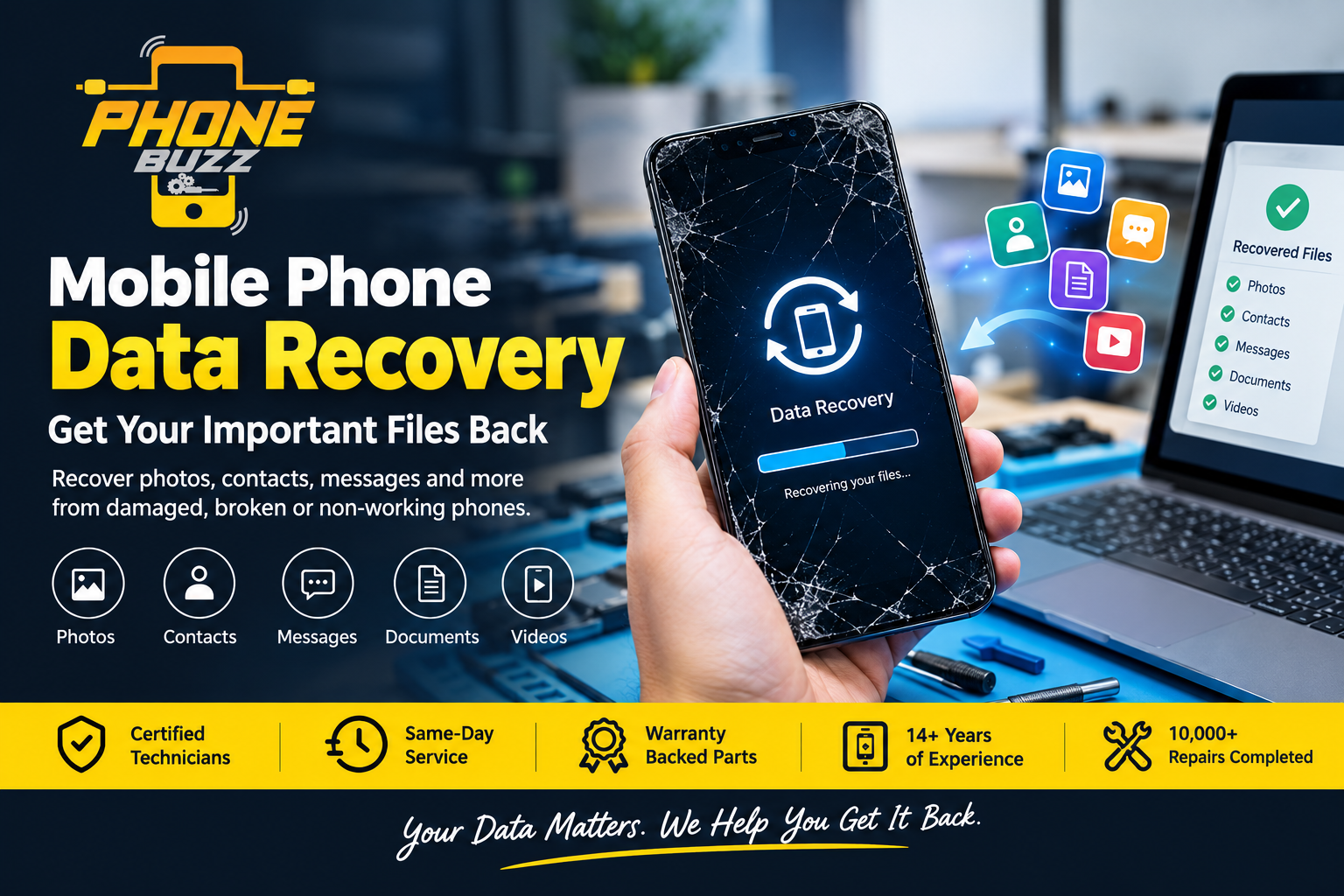
Losing access to the data stored on your mobile phone can be stressful. Your smartphone may contain years of photos, videos, contacts, text messages, documents, notes, and other personal information that you cannot easily replace. When a phone is damaged, stops working, gets dropped in water or develops a serious hardware or software problem, many people immediately assume their data is gone forever.
Fortunately, that is not always the case.
Professional mobile phone data recovery can sometimes retrieve important information from phones that are damaged, broken, unresponsive, or experiencing serious software problems. The most appropriate recovery method depends on the condition of the phone, the type of damage, and whether the internal storage remains accessible.
At Phone Buzz, our experienced technicians provide professional mobile phone repair and troubleshooting services, with a focus on helping customers get their devices working again. With more than 14 years of experience and over 10,000 completed repairs, our team understands how important your phone and the information stored on it can be.
If your phone has stopped working and you are worried about your photos, contacts, or other important files, understanding your options is the first step.
What Is Mobile Phone Data Recovery?
Mobile phone data recovery is the process of attempting to retrieve information from a smartphone when that information cannot be accessed normally.
Under normal circumstances, you can simply unlock your phone and access your photos, contacts, messages, videos, applications, and documents. However, physical or software problems can prevent the phone from starting or accessing its storage.
Data recovery may be considered when a phone:
- Will not turn on
- Has a broken or damaged screen
- Has suffered water or liquid damage
- Has been dropped or physically damaged
- Has charging problems
- Is stuck in a boot loop
- Has experienced software problems
- Has experienced storage-related issues
- Has important data that is difficult to access normally
The recovery process is not the same for every device. A phone with a damaged screen may only need a repair to regain access to the existing data, while a phone with serious motherboard damage can require much more advanced technical work.
This is why it is important to have the phone assessed before attempting complicated recovery methods yourself.
Why Is Phone Data So Important?
Modern smartphones are much more than communication devices. They often contain a digital record of everyday life.
A single phone may contain:
- Family photographs
- Holiday videos
- Business documents
- Work conversations
- Important contacts
- Text messages
- Emails
- Notes
- Calendar information
- Voice recordings
- Social media content
- Downloaded files
- Personal information
For many people, photographs are the most valuable files on a damaged phone. A phone might contain years of family memories, special occasions, birthdays, weddings, and holidays.
For business owners and professionals, the important information may include customer contacts, documents, conversations, photographs, and work-related files.
When a phone suddenly stops working, the value of the data can be much greater than the value of the device itself.
Can Data Be Recovered From a Phone That Won’t Turn On?
One of the most common questions technicians hear is whether data can be recovered from a phone that is completely dead.
The answer depends on why the phone will not turn on.
A phone that appears to be dead may actually have a failed battery, charging component, power-management problem, damaged connection, or motherboard fault. In some cases, the internal storage may still contain the user’s information even though the phone itself cannot start normally.
Professional technicians can first diagnose the device to determine what is preventing normal operation.
The important thing is to avoid repeatedly trying random fixes.
If your phone suddenly stops working, excessive charging attempts, opening the phone without suitable tools or using untested repair methods could potentially make the situation worse.
Mobile Phone Data Recovery After Water Damage
Water damage is one of the most serious situations for a smartphone.
A phone can be exposed to water through rain, spills, swimming pools, bathrooms, or accidental drops into liquid. Even if the phone initially appears to work, corrosion can develop inside the device and cause problems later.
If your phone has suffered liquid damage, take immediate precautions.
Turn the Phone Off
If the phone is still operating after water exposure, turn it off as soon as possible.
Avoid repeatedly switching it on to see whether it works.
Do Not Charge the Phone
Connecting a wet or liquid-damaged device to a charger can create additional electrical problems.
Allow a professional technician to inspect the device before attempting to charge it again.
Avoid DIY Heating Methods
Using a hairdryer or another heat source may seem like an easy way to dry a phone, but excessive heat can damage internal components.
Professional assessment is a safer approach when valuable data is involved.
Seek Professional Assessment
The sooner a liquid-damaged phone is properly assessed, the better the opportunity to identify the source of the problem and determine whether recovery or repair is possible.
Mobile Phone Data Recovery From a Broken Screen
A broken screen does not necessarily mean that your data is lost.
In many cases, the internal storage remains intact even though the display or touch functionality has stopped working.
For example, your phone may:
- Ring when someone calls
- Vibrate when connected to a charger
- Connect to a computer
- Receive notifications
- Produce sounds
- Show no visible image because the display is damaged
If the phone is still functioning internally, repairing or replacing the damaged screen may restore normal access to your files.
This is one reason it is important to diagnose the actual fault instead of assuming that a broken screen means your data has disappeared.
What About Deleted Photos and Files?
Recovering deleted data can be more complicated.
When you accidentally delete a photograph, video, or document, it may not always be immediately recoverable. Modern phones use sophisticated storage systems and encryption, and deleted information may become inaccessible or eventually be overwritten.
If you have accidentally deleted something important, stop using the phone as much as possible.
Do not continue taking photographs, installing applications, or downloading large files unnecessarily.
Before attempting recovery, check whether the information is available through an existing backup or synchronization service.
For example, your photos may already have been synchronized with a cloud account. Your contacts may also be stored in your Google or Apple account rather than exclusively on the phone.
Checking your backups can sometimes be the quickest and safest way to restore important information.
Should You Try DIY Data Recovery?
The internet contains many applications and tutorials claiming that they can recover data from damaged smartphones.
Some software can be useful in suitable situations. However, professional assistance is usually a better option when the phone has serious physical damage or contains extremely important information.
DIY recovery can become risky when you:
- Open the phone without proper equipment
- Attempt motherboard repairs
- Apply excessive heat
- Install unknown recovery software
- Repeatedly restart a damaged phone
- Attempt repairs without understanding the fault
- Perform a factory reset
A factory reset is particularly important to avoid when you are trying to preserve existing data.
If the information on the device is valuable, it is generally better to diagnose the problem first rather than experimenting with multiple repair methods.
How Does Professional Mobile Phone Data Recovery Work?
The exact process varies according to the phone and its condition.
A professional technician will generally begin by examining the device and identifying the likely cause of the problem.
Step 1: Device Assessment
The first step is determining what happened to the phone.
Was it dropped?
Was it exposed to liquid?
Did it stop charging?
Did the screen suddenly go black?
Did it experience a software update problem?
Did it stop working after a battery issue?
These details can help technicians understand where to begin.
Step 2: Hardware and Software Diagnosis
The phone can then be examined for obvious hardware or software problems.
Technicians may investigate components such as the battery, charging system, display, connectors, and motherboard, depending on the symptoms.
Step 3: Determine the Recovery Path
Once the problem has been identified, technicians can determine whether the device can be repaired sufficiently to access the data or whether a more advanced recovery approach may be required.
Step 4: Data Access and Recovery
Where technically possible, the appropriate tools and procedures are used to regain access to the information stored on the device.
The objective should always be to protect the existing data while addressing the underlying problem.
Step 5: Transfer or Save Recovered Information
Once the data becomes accessible, important files can be transferred or backed up to another suitable storage location.
This is also an ideal time to establish a reliable backup routine so that the same problem does not become a major disaster in the future.
iPhone and Android Data Recovery
Mobile phone data recovery can involve many different devices and operating systems.
iPhones and Android smartphones use different hardware, operating systems, and security technologies, so the recovery process can vary significantly between devices.
An Android phone from Samsung, Google, Motorola, OPPO, Xiaomi or another manufacturer may require a different diagnostic approach from an iPhone.
The model of the phone is therefore important.
When contacting a technician, provide as much information as possible, including:
- Phone brand
- Exact model
- What happened
- Whether the phone turns on
- Whether the screen works
- Whether the phone charges
- Whether the phone was exposed to liquid
- Whether the phone has been repaired previously
- What specific data you need
This information can help technicians understand the situation before examining the device.
How to Protect Your Data Before Something Goes Wrong
The best data recovery strategy is prevention.
You cannot always prevent a phone from being dropped, damaged or lost, but you can reduce the consequences by maintaining regular backups.
Use Cloud Backups
Enable automatic backups for important information where appropriate.
Depending on your device, this may include photographs, contacts, documents and other information.
Keep Important Files in More Than One Location
If a photograph or document is extremely important, consider keeping another copy somewhere secure.
Having only one copy means that a single device failure could put the information at risk.
Protect Your Phone Physically
A good case and screen protector can reduce the likelihood of damage from everyday accidents.
While protection cannot prevent every failure, it can provide an additional layer of defence.
Keep Your Phone Updated
Software updates can provide security and stability improvements. Keep your operating system and important applications updated where appropriate.
Avoid Ignoring Warning Signs
If your phone becomes unusually hot, repeatedly restarts, stops charging properly or begins behaving strangely, do not ignore the symptoms.
Early diagnosis may prevent a small problem from becoming a much more complicated one.
When Should You Contact a Professional?
You should consider professional assistance when the information stored on your phone is important and you cannot access it normally.
This is especially relevant if your phone:
- Has suffered significant physical damage
- Has been exposed to water
- Will not power on
- Has a black screen
- Is stuck restarting
- Will not charge
- Has motherboard-related symptoms
- Contains irreplaceable photographs
- Contains important business information
- Has important contacts that are not backed up
The sooner the situation is properly assessed, the sooner you can understand your available options.
Why Choose an Experienced Phone Repair Team?
Data recovery is closely connected to understanding how smartphones work.
A technician needs to know whether the problem is related to the display, battery, charging system, software, motherboard or another component.
At Phone Buzz, the focus is on professional device repair and troubleshooting. The business website states that its team has more than 14 years of experience, has completed more than 10,000 repairs and uses certified technicians. Phone Buzz also highlights same-day repair and warranty-backed spare parts.
This type of experience is valuable when a phone has stopped working and you need to determine whether the device can be repaired or whether additional data-recovery options should be considered.
What Should You Do If Your Phone Suddenly Dies?
If your phone suddenly stops working, remain calm and avoid making the situation worse.
Start by thinking about what happened immediately before the problem.
Did you drop the phone?
Was it exposed to water?
Did the battery run flat?
Was a software update installed?
Did the phone become unusually hot?
Did the phone stop charging?
Do not repeatedly attempt complicated fixes.
If the phone contains important information, have it professionally assessed before carrying out potentially destructive troubleshooting.
Mobile Phone Data Recovery: Don’t Assume Your Data Is Gone
A phone that does not work properly is not necessarily a phone that has lost all of its data.
The device may have a failed component while the information stored inside remains intact. In other situations, software problems may prevent normal access even though the underlying data is still present.
That is why professional diagnosis is so important.
Whether you have lost access to family photographs, business documents, contacts, messages or other valuable files, the first step is understanding what happened to the device.
Professional mobile phone data recovery may provide a solution when normal access is no longer possible.
Final Thoughts
Your smartphone can contain some of the most valuable digital information you own. When a device becomes damaged or stops working, the immediate temptation may be to try every solution you can find online.
However, if the data is important, taking the wrong step can potentially make recovery more difficult.
Instead, stop unnecessary use, avoid risky DIY repairs and seek a professional assessment.
Whether your phone has a broken screen, charging problem, water damage, software issue or simply refuses to turn on, there may still be options worth exploring.
At Phone Buzz, our experienced technicians provide professional phone repair and troubleshooting services designed to help customers get their devices functioning again. With extensive repair experience and thousands of completed repairs, we understand how important your device and its information can be.
If you are worried about important files on a damaged or non-working phone, contact Phone Buzz and discuss your situation with an experienced technician before taking further action.
Your phone may be broken — but that does not automatically mean your data is gone.