
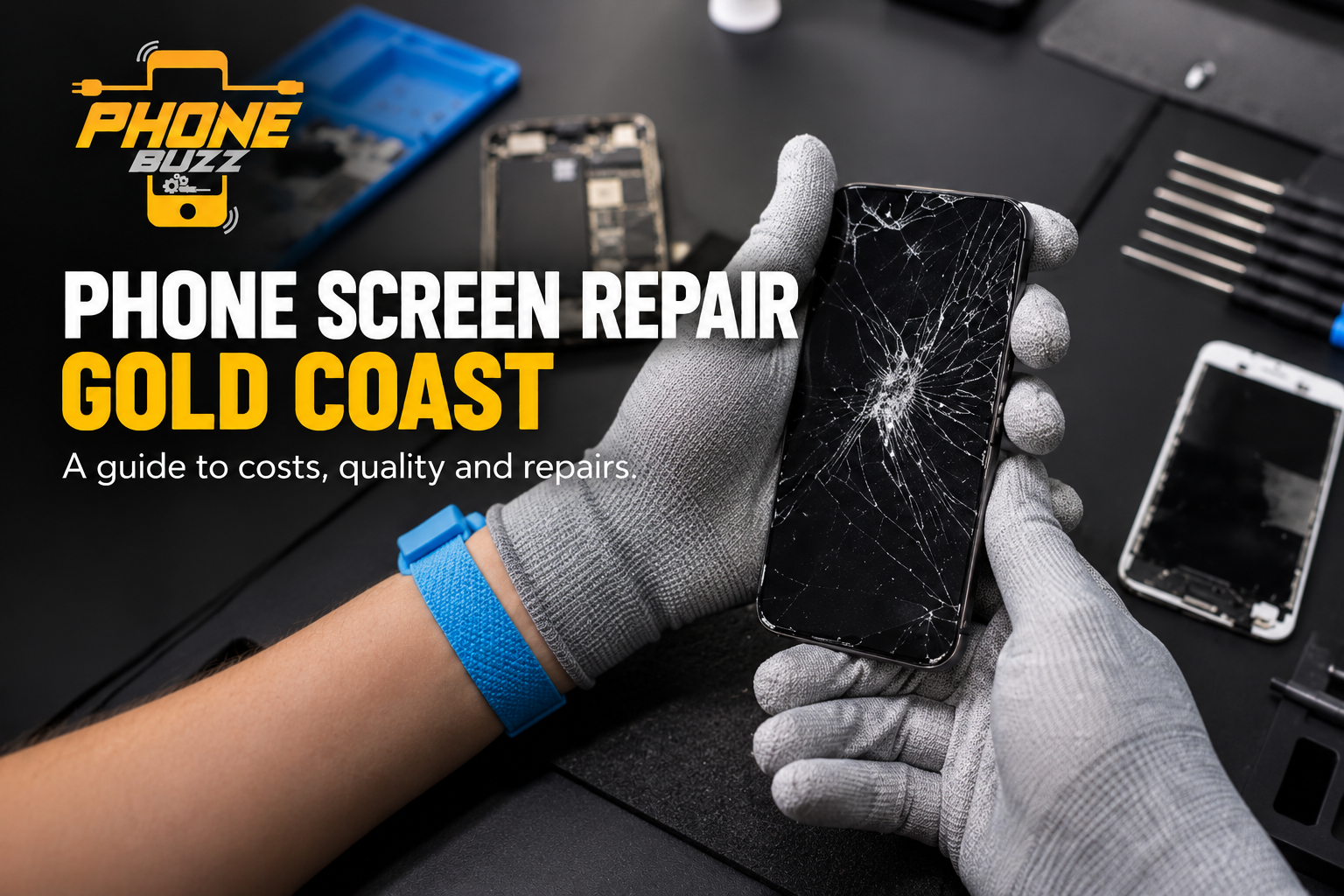
A dropped phone can interrupt your day in seconds. You pick it up, turn it over, and find a crack running across the screen. Sometimes the display still works. Other times, the screen goes black, touch controls stop responding, or colored lines appear.
If you are searching for phone screen repair in Gold Coast, the first step is understanding what needs fixing. A cracked screen protector, damaged front glass, and faulty display can look similar, but they may require different solutions.
Choosing a repair involves more than finding the lowest price. The replacement part, technician’s experience, device condition, and repair terms all deserve attention.
This guide explains common screen problems, what affects repair costs, how to compare quotes, and what to check before handing over your phone. Whether you use your device for work, navigation, banking, or staying connected, an informed decision can help you avoid unnecessary expense and disruption.
How to Tell Whether Your Phone Screen Needs Repair
Screen damage is not always a visible crack. A phone can develop display or touch problems even when the outer glass appears intact. Equally, a cracked protector may make the damage look worse than it is.
Cracked Glass or a Broken Screen Protector
Start by checking whether the visible crack is in the screen protector or the phone itself. A protector sits above the original screen and can break while the underlying glass remains undamaged.
If you cannot tell which layer is cracked, ask for an inspection. Avoid peeling away shattered material with bare fingers or pressing down on damaged glass.
Damage to the actual screen deserves assessment even if the phone still responds normally. Describe when the damage happened and whether anything changed afterwards.
Touch Controls That Stop Responding
A damaged touchscreen may ignore taps, respond only in certain areas, or register touches without input. Typing can become difficult, and unlocking the phone may take several attempts.
However, touch problems do not automatically mean the screen needs replacing. Accessories, surface contamination, or software issues can also affect responsiveness.
Apple recommends basic checks such as restarting the device, cleaning the screen, and disconnecting accessories when touch response is intermittent. Persistent problems may require service.
Lines, Dark Patches, or a Blank Display
Vertical lines, flickering, unusual colors, and dark areas can indicate a display problem. A phone that rings or vibrates while showing a blank screen also needs diagnosis.
These symptoms do not confirm the exact damaged component. Explain whether they started after a drop, exposure to liquid, or another incident. An assessment helps establish whether screen replacement alone is appropriate.
What to Do Immediately After Breaking Your Screen
Before comparing repair shops, take a few practical steps to protect your information and make the repair process easier.
Back Up Your Phone If It Still Works
If you can safely operate the device, back up important photos, contacts, documents, and messages. Check that the backup has completed rather than assuming automatic syncing has saved everything.
Make sure you can access essential accounts from another device. Banking apps, authentication tools, and work accounts may require additional recovery steps if your phone becomes unavailable.
A backup is useful preparation for any repair. It also gives you options if the inspection reveals damage beyond the screen.
Avoid Pressing or Testing Damaged Glass
Repeatedly pressing a cracked area will not establish how serious the damage is. Keep handling to a minimum if glass is loose or sharp.
Do not apply household glue, cleaning chemicals, or improvised fillers. These products are not substitutes for a replacement screen and may complicate assessment.
If the phone is unusually hot, visibly swollen, or separating at the edges, stop using and charging it and seek professional assessment.
Record the Symptoms Before Booking
Write down the phone model and what still works. Note whether it charges, receives calls, displays an image, and responds to touch.
Tell the repair provider about previous repairs or liquid exposure. Clear information helps the technician understand the problem and gives you a more useful starting quote.
What Affects Phone Screen Repair Costs on the Gold Coast?
There is no single screen repair price that applies to every phone. Two devices with similar-looking cracks can require different parts and work.
When comparing phone screen repair Gold Coast quotes, make sure each provider is quoting for the same model, repair scope, and replacement part.
Your Exact Phone Model
A quote should identify your precise device model. Screen assemblies differ between models, including phones from the same product family.
Provide the model name from the device settings, original packaging, or purchase record where possible. Guessing from appearance can lead to an inaccurate estimate.
Ask whether the quoted part is available or needs ordering before planning a visit.
The Replacement Screen Being Offered
Ask the provider to explain the replacement part clearly. Terms such as “premium,” “original quality,” or “OEM quality” are not enough by themselves to establish its origin or specifications.
For iPhones, Apple notes that non-genuine displays may affect touch performance, visual quality, and compatibility. This makes part selection a relevant question when comparing repair options.
Request a clear description of what will be fitted and any differences you should expect.
Damage Beyond the Screen
A drop may affect more than the display. The technician may need to check the frame, connections, and other components before confirming the repair scope.
Ask whether the initial price assumes screen damage only. Establish how the provider will handle additional faults discovered during inspection.
The process should include your approval before extra chargeable work begins.
What the Quote Includes
Check whether the price includes the replacement part, labor, applicable taxes, and testing. Ask about any inspection fee or charge if you decline the repair.
A written quote makes comparisons easier. It also helps prevent confusion between an advertised starting price and the final cost for your device.
How to Choose a Phone Screen Repair Provider
A useful repair provider explains the options in plain language. You should understand what is being replaced, what it costs, and what happens if the repair does not resolve the reported problem.
Look for Experience With Your Device
Ask whether the technician regularly repairs your particular model. Experience with one brand or generation does not automatically establish experience with every device.
Describe the fault rather than asking only for “a new screen.” This gives the provider an opportunity to explain whether an inspection is needed first.
Clear answers are more useful than broad claims about repairing every phone.
Compare Reviews for Relevant Details
Look beyond the overall star rating. Reviews that describe communication, pricing clarity, and how problems were handled can help you assess the customer experience.
Pay attention to reviews concerning similar repairs. A positive accessory purchase review provides different information from a detailed screen replacement review.
Treat reviews as one input alongside the quote, part specification, and repair terms.
Ask About the Repair Warranty
Request the warranty terms in writing. Ask what is covered, how long coverage lasts, and how to report a fault.
Clarify the position on touch issues and display faults and installation problems. Also ask about exclusions, including subsequent impact or liquid damage.
Do not assume every provider offers the same coverage. A warranty is easier to assess when its scope is clearly explained before payment.
Confirm Location and Availability
Before travelling from Southport, Robina, Burleigh Heads, Broadbeach, or another Gold Coast suburb, confirm the repair location and opening hours.
Ask whether an appointment is required and whether your replacement screen is in stock. A quick inquiry can save an unnecessary journey.
Convenience matters, but the repair scope and part quality should remain part of the decision.
How Long Does Phone Screen Repair Take?
Repair time depends on the device, part availability, workload, and condition found during inspection. A straightforward replacement and a phone with additional damage may have different timelines.
Separate Repair Time From Collection Time
Ask when the phone will be ready to collect. The hands-on replacement time may be shorter than the total period the device spends at the shop.
Inspection, queues, parts ordering, and final checks can all affect collection time. Explain if you need the phone for a shift, travel, or an important appointment.
Confirm What Happens if There Is a Delay
Ask how the provider will contact you if the repair takes longer than expected. Supply an alternative number or email address that you can access without the damaged phone.
Avoid relying on a general same-day claim. Get an estimate for your actual model and confirm whether that estimate depends on parts being available.
Should You Repair the Screen or Replace the Phone?
A screen repair can make sense when the phone otherwise meets your needs. Replacement may be worth considering when several problems exist or the total repair cost is difficult to justify.
Assess the Phone’s Overall Condition
Consider battery performance, storage, charging reliability, and any existing faults. Also check whether the device still receives the software support you need.
If the screen is the main issue, compare the repair quote with the cost of a suitable replacement. If several components need attention, request a complete estimate before deciding.
Include the Practical Cost of Switching
Replacing a phone can involve more than the purchase price. You may need to transfer files, restore apps, reconnect accounts and buy compatible accessories.
Consider the time required alongside the financial cost. Equally, do not spend heavily on a repair simply to avoid setting up another device if the current phone no longer suits your requirements.
The decision should reflect its remaining usefulness.
How to Prepare Your Phone for Screen Repair
Good preparation helps you explain the fault and manage access to your information.
Follow the Provider’s Preparation Instructions
Ask what needs to be done before drop-off. Manufacturer service procedures and independent repair procedures may differ.
Confirm whether the provider needs access for testing and how that access will be handled. Do not share your Apple Account, Google Account or banking passwords.
If device unlocking is required, ask whether you can enter the passcode yourself or use a supported repair mode where available.
Record the Phone’s Condition
Photograph the device before handing it over, including the front, back and edges. Keep the quote, job receipt and any agreed instructions.
Identify existing faults so both parties have the same understanding. Ask which functions will be checked and how you will be informed if further damage is discovered.
Plan for Essential Access
Arrange another way to receive urgent calls and access important accounts. If you depend on your phone for work or transport, plan around the confirmed collection estimate.
Keep your SIM arrangements and authentication needs in mind. Preparation reduces the pressure to accept an unsuitable repair simply because you need immediate access.
What to Check After Your Screen Has Been Replaced
Before leaving the shop, take a few minutes to check the repaired phone with the technician.
Check the Display and Touch Response
Open a light image and a dark image. Look for unexpected patches, lines, flickering or obvious colour inconsistencies.
Type a short message, scroll a page and test touch response across the screen. Adjust brightness and check the functions you use regularly.
Report anything unusual immediately rather than assuming it will resolve itself.
Check Other Everyday Functions
Test the front camera, speaker, microphone and relevant unlocking features. Confirm that the screen sits properly and ask about any visible gaps or fitting concerns.
For an iPhone, discuss any parts-related message that appears after repair. Ask the technician to explain it and whether further setup or calibration is required.
Keep Your Repair Documentation
Retain the invoice and warranty terms. Ask whether there are any immediate handling instructions following installation.
If a fault develops, document the symptoms and contact the provider promptly. Having the repair details available makes the follow-up conversation easier.
Frequently Asked Questions About Phone Screen Repair Gold Coast
Can a Screen Be Repaired Without Replacing the Whole Phone?
Yes, screen replacement can be an option when the device is otherwise repairable. An inspection is needed to confirm the damage and whether additional work is required.
Will Screen Repair Delete My Data?
Ask the provider whether its process involves resetting the device. Back up beforehand whenever possible, because retaining data should not be assumed or guaranteed without confirmation.
Is the Cheapest Screen Repair the Best Option?
Price alone does not establish value. Compare the replacement part, total cost, testing and warranty terms before choosing between quotes.
Can I Keep Using a Cracked Screen?
A working display does not establish that continued use is advisable. Sharp glass, unreliable touch controls or other symptoms deserve assessment. Avoid handling loose or shattered glass.
How Can I Reduce the Chance of Another Broken Screen?
Use a compatible case and screen protector, keep the phone away from unstable edges and avoid carrying it loose with hard objects. These measures can reduce exposure to everyday damage, but they cannot guarantee protection.
Make an Informed Screen Repair Decision
Searching for phone screen repair Gold Coast is the starting